Sogou Input Method — Official Downloads for Every Platform
A huge lexicon, smart correction and cloud input, with pinyin, wubi, double pinyin, voice and handwriting across Windows, macOS, Linux, Android and iOS.
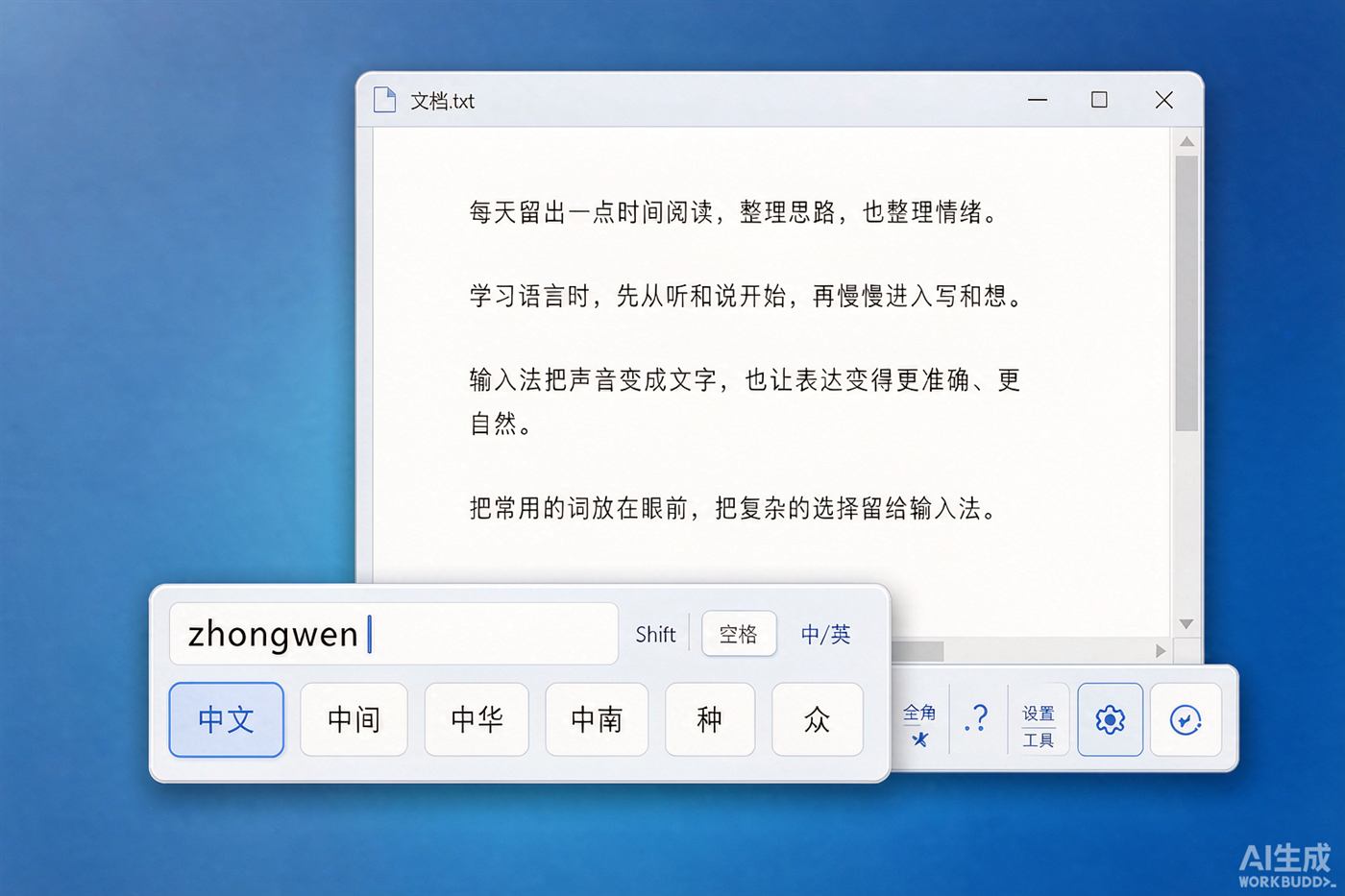
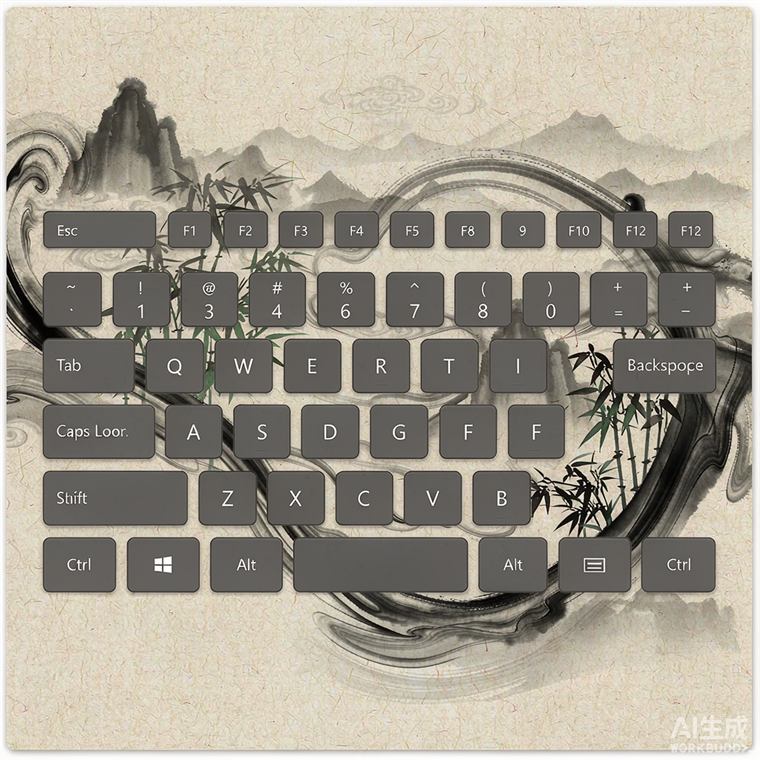
Thousands of skins, one click away
Bigger lexicon, smarter correction, faster typing, more skins



Why Sogou Input Method
Bigger lexicon, smarter correction, faster typing, more skins
Huge Lexicon
Millions of entries including trending words, with pinyin, wubi, double pinyin and stroke input — rare characters included.
Smart Correction
It fixes typos and swapped pinyin automatically and commits whole sentences at once, so long sentences come out right.
Free & Clean
Free for personal use, no pop-up ads, a small installer and a quick setup.
Cloud Sync
Sign in to sync your personal dictionary and typing habits; cloud input makes long sentences and rare words more accurate.
News
Latest updates, releases and tips
Installing Sogou Input Method on Windows, step by step
From download to default input method, including paths, language bar settings and common errors.
Read more → 2026-10-11Sogou Input Method on Mac: install, permissions and switching
The dmg install flow, input source permissions, switching shortcuts and uninstalling.
Read more → 2026-10-10Sogou Input Method 2026 Autumn Release: lexicon, voice and performance
A larger lexicon, more accurate voice recognition, lower memory use and new skins.
Read more →